Peekaboo shows these same steps on the OpenAI tab of its Settings, with a button that opens each page for you. Here they are if you'd rather read them in your browser first.
1. Sign in to OpenAI
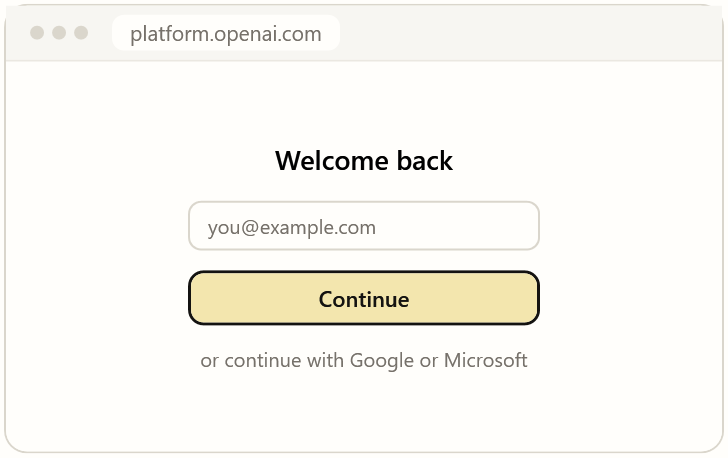
Go to platform.openai.com and sign in with the account you use for ChatGPT, or create one. Signing up is free.
2. Add a little credit
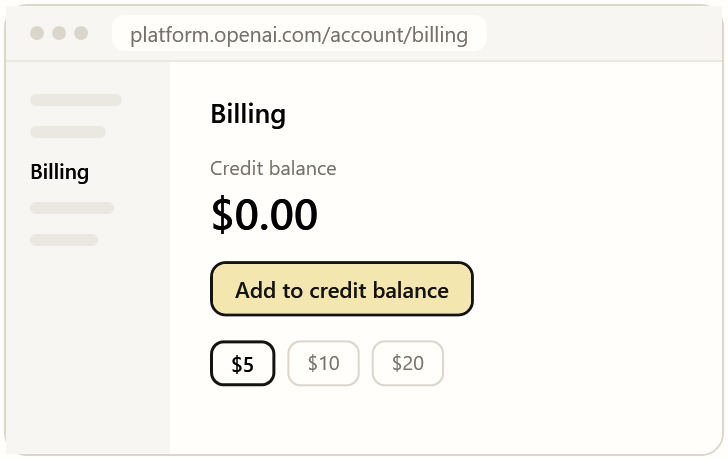
Open Billing and choose Add to credit balance. Five dollars covers several interviews, since one usually costs about a dollar an hour. Leave auto-recharge off and you'll never spend more than you add.
3. Create a secret key and copy it
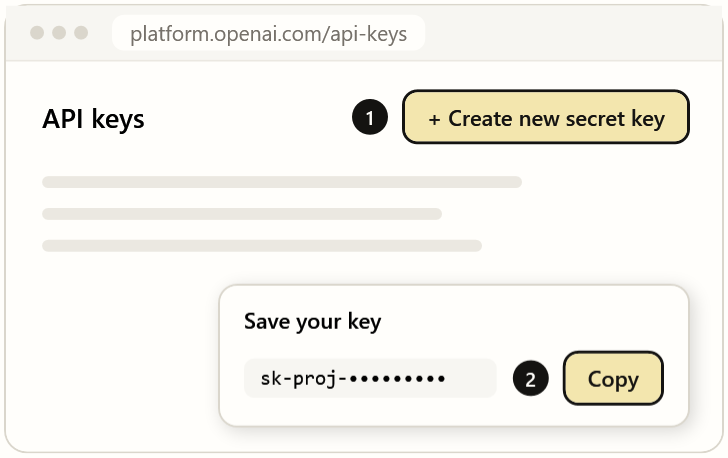
Open API keys, choose Create new secret key, name it Peekaboo, and copy the key it shows you. It starts with sk-. OpenAI shows it only once, so copy it before you close the window. If you lose it, delete it and make a new one.
4. Paste it into Peekaboo
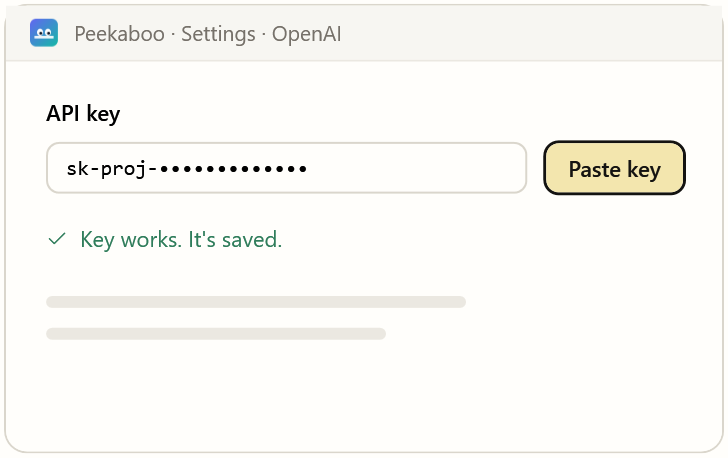
In Peekaboo, open Settings, then OpenAI, and press Paste key. Peekaboo checks the key with OpenAI and saves it. You'll see how many models your key can use, and Peekaboo picks the fastest for you.
What it costs
Peekaboo itself is free. OpenAI bills your credit balance for what each interview uses: the minutes of speech it transcribes and the words of each answer. A typical hour-long interview with the default models comes to around a dollar or less. See pricing for the details.
Keeping your key safe
- Treat it like a password: don't post it or share it in a screenshot.
- Peekaboo stores it encrypted on your PC and only ever sends it to OpenAI.
- If you think someone else has it, delete it on the API keys page and create a new one.
If it doesn't work
- "That key was rejected by OpenAI": the key was copied only partly, or it was deleted. Copy it again, or create a new one.
- The key works but answers fail: your credit balance is probably empty. Add credit in Billing.
- Paste key says your clipboard has no key: press Copy next to the key on OpenAI's page first, then Paste key again.
Questions
Is an OpenAI API key free?
Creating the key is free. Using it costs a little: OpenAI bills your credit balance for what you use, around a dollar or less for an hour-long interview with Peekaboo's default models.
Is an API key the same as ChatGPT Plus?
No. A ChatGPT plan pays for the ChatGPT app. API keys are billed separately, from your credit balance on platform.openai.com. You can sign in to both with the same account.
Do I need to know how to code?
No. You create the key on OpenAI's website, copy it, and paste it into Peekaboo. That's all.
Where do I paste the key in Peekaboo?
Open Settings, then the OpenAI tab, and press Paste key. Peekaboo checks it with OpenAI and saves it.